This is our independent website, you can check out our products.https://pjcases.com
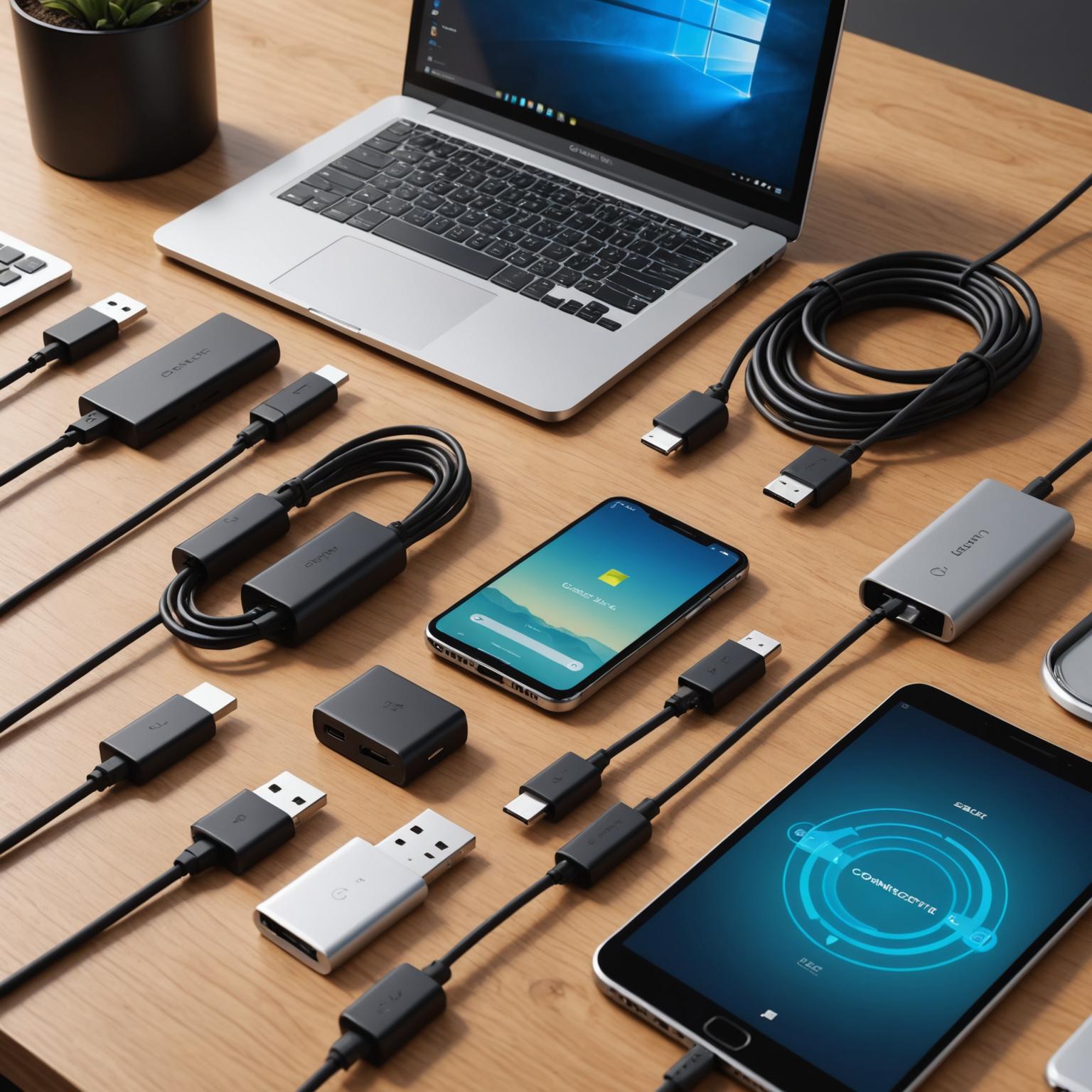
The type-c data cable has become a nearly universal standard for charging and data transfer across a vast range of devices, from smartphones and tablets to powerful laptops. However, this universality can be deceiving, as not all cables are created equal. The connector shape might be the same, but the capabilities hidden within the wire can vary dramatically. Choosing the wrong one can lead to slow charging, frustratingly slow data transfers, or even an inability to connect to an external –display. This guide will walk you through everything you need to know to select the perfect cable for your specific needs, ensuring you get the performance you expect from your technology.
Understanding the Basics of USB Type-C
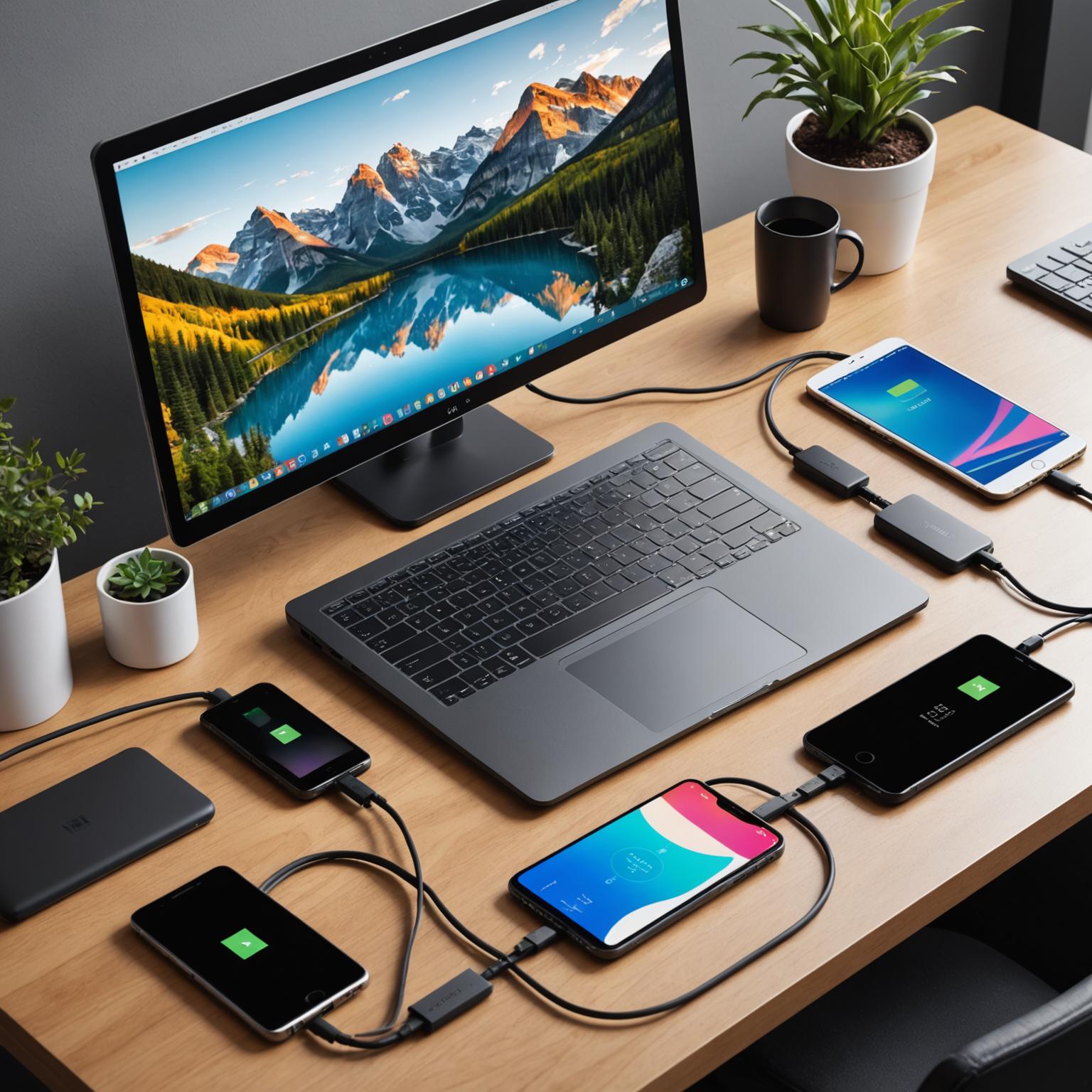
A common point of confusion is thinking that all cables with the new oval, reversible connector are the same. The term USB Type-C actually refers only to the physical connector itself. What truly defines a cable’s performance are the underlying specifications or protocols it supports, such as USB 2.0, USB 3.2, or Thunderbolt. A USB Type-C cable can, for example, use the very old and slow USB 2.0 protocol, limiting data transfer speeds to just 480 Mbps. This is why it’s critical to look beyond the connector and understand the technology it houses. A high-quality USB Type-C cable is designed to support much more than just basic charging; it’s a gateway to high-speed data, powerful charging, and even high-definition video, but only if you choose one built for those tasks.
How to Choose a Cable for Data Transfer
When your primary need is moving large files quickly, such as transferring photos from a camera, videos from a drone, or backing up your device to an external SSD, the data transfer speed is the most important factor. To get the best performance, you need a type-c data cable that supports a modern USB standard. Look for cables labeled as USB 3.1 Gen 2 or USB 3.2, which offer speeds of 10 Gbps and 20 Gbps, respectively. For the absolute fastest speeds, Thunderbolt 3 or Thunderbolt 4 cables, which also use the Type-C connector, can reach up to 40 Gbps. Always check the product description or packaging for these specifications. A cable that is only rated for USB 2.0 will be a significant bottleneck for any modern device, turning a quick file transfer into a long wait.
Selecting the Right Type-C Cables for Laptops
Laptops have unique requirements that go beyond what a typical smartphone cable can handle. The most critical feature to look for in Type-C cables for laptops is Power Delivery, or PD. This technology allows the cable to safely transmit much higher levels of power. Laptops often require 60W, 95W, or even more, so you must choose a cable that is rated to handle that wattage. Using an underrated cable can result in your laptop not charging at all, charging very slowly, or even potentially damaging your power adapter. Furthermore, if you plan to use your cable to connect your laptop to an external monitor, you’ll need one that supports DisplayPort Alternate Mode (DP Alt Mode). This feature allows the cable to carry a video signal, and it’s not a given on all cables. For laptop use, always seek out a cable that explicitly mentions support for high-wattage Power Delivery and video output.
Key Features to Look for When Buying
Beyond the core specs of speed and power, several other features can help you choose a reliable and durable USB Type-C cable. First, consider the build quality. Braided nylon cables often offer better durability and tangle resistance compared to standard plastic ones. Also, inspect the connector housing and strain relief—the flexible part where the cable meets the plug—as this is a common point of failure. Cable length is another practical consideration; a shorter cable is great for portability with a power bank, while a longer one offers more flexibility at a desk. Finally, look for USB-IF certification. A cable that is certified by the USB Implementers Forum has been tested to meet standards for safety and performance, giving you peace of mind that it won’t damage your devices.
Conclusion: Making the Right Connection
Navigating the world of Type-C connectors doesn’t have to be complicated. By understanding your primary use case—whether it’s fast charging, high-speed data transfer, or connecting a laptop—you can easily narrow down your options. Remember to always check the technical specifications for data speed (Gbps) and power rating (W) before making a purchase. Investing in a quality, certified type-c data cable that matches your device’s capabilities will ensure you have a reliable, safe, and efficient connection for years to come, unlocking the full potential of the versatile Type-C ecosystem.