What Are Privacy Screen Protectors and How Do They Work?
This is our independent website, you can check out our products.https://pjcases.com
In today’s connected world, protecting your digital information is more important than ever. While we often think about passwords and encryption, visual privacy is just as crucial, especially when using our devices in public. This is where privacy screen protectors come into play. These are specialized screen guards designed to prevent people around you from peeking at your screen. They operate using a clever technology called microlouver. Think of it as a series of tiny, vertical blinds layered over your screen. These microscopic louvers are precisely angled so that light from the screen’s –display can only pass through when viewed directly from the front. For anyone trying to look from the side, the louvers block the light, making the screen appear dark or completely black. This effectively creates a narrow viewing cone, securing your sensitive information from prying eyes.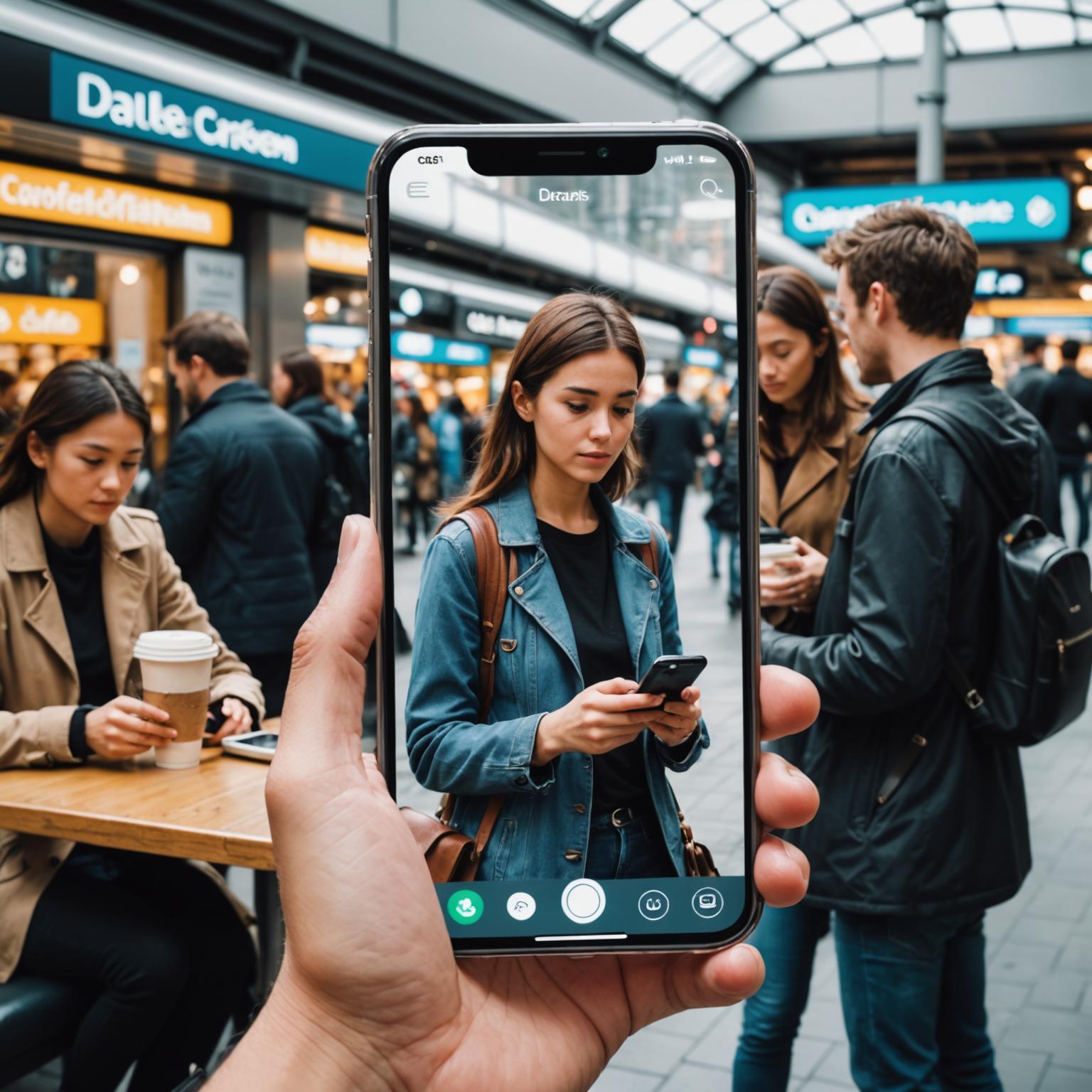
What Are the Main Benefits of Anti-Spy Screen Protectors?
The primary benefit of using anti-spy screen protectors is the peace of mind that comes from safeguarding your confidential data. Whether you are commuting on a train, working at a coffee shop, or sitting in a crowded airport, you can review sensitive work emails, check your bank account, or send private messages without the anxiety of ‘shoulder surfing.’ This added layer of security is invaluable for professionals, students, and anyone who values their privacy. Beyond their core function, these protectors also provide the standard benefits of a regular screen guard. They offer a durable shield against scratches, scuffs, and fingerprints, helping to keep your device’s expensive –display in pristine condition and preserving its resale value.
Are All Privacy Screen Protectors the Same?
Not all privacy protectors are created equal, and it’s important to know the differences. The most common type is the 2-way privacy filter, which darkens the screen when viewed from the left and right sides, making it ideal for standard use in portrait mode. For more comprehensive security, you can opt for 4-way privacy protectors. These obscure the view from all four directions—left, right, top, and bottom—which is particularly useful for users who frequently switch between portrait and landscape orientations or who need maximum security. The effectiveness is also measured by the viewing angle, typically 30 or 45 degrees from the center. A narrower viewing angle provides greater privacy, as the screen becomes dark from a sharper side angle.
Is an iPhone Privacy Screen Protector a Good Investment?
For Apple users, an iPhone privacy screen protector is an excellent investment. iPhones are often a central hub for our digital lives, storing everything from personal photos and messages to banking apps and corporate data. Given the value of this information, adding a layer of visual security is a logical step. A high-quality iPhone privacy screen protector is precision-cut to fit the specific dimensions of your model, ensuring it doesn’t interfere with critical functions like the Face ID sensors, front-facing camera, or earpiece speaker. It integrates seamlessly with the device, offering robust privacy and physical protection without compromising the premium user experience that Apple is known for. It’s a small price to pay to protect both your screen and your data.
Will a Privacy Protector Affect My Screen’s Performance?
A common concern is whether these protectors impact screen usability. Because they work by limiting light transmission, privacy screen protectors will naturally make your screen appear slightly dimmer to you, the direct user. Most people compensate for this by increasing their screen’s brightness level. High-quality protectors are engineered to maximize clarity and minimize this dimming effect. As for touch sensitivity, modern anti-spy screen protectors are designed to be ultra-thin and highly responsive. They maintain the original touch experience, ensuring that swipes, taps, and gestures register accurately without lag. Most users find that after a brief adjustment period, they barely notice the protector is there during normal use.