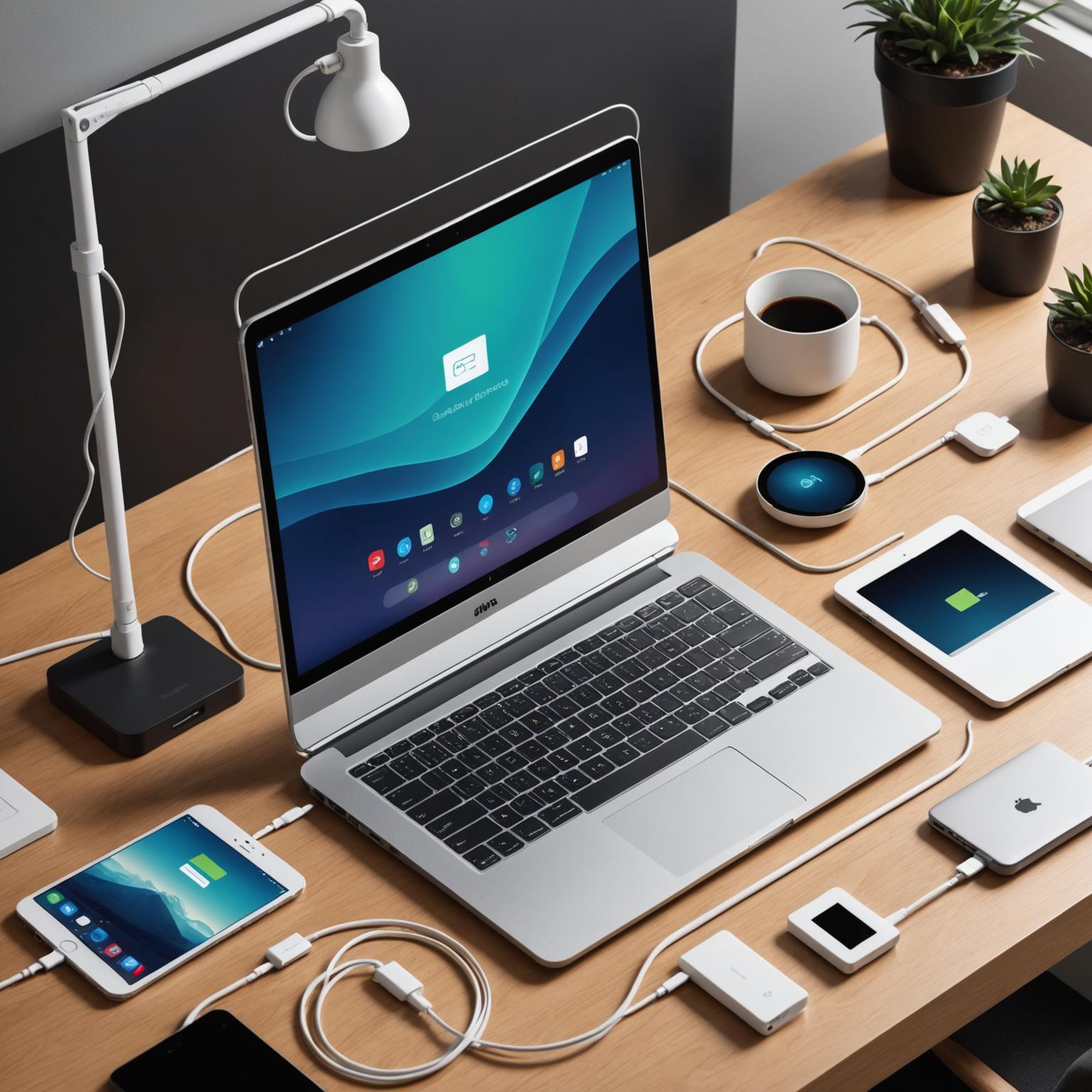
Your Essential Guide to Choosing the Right Type-C Cable
This is our independent website, you can check out our products.https://pjcases.com
In today’s fast-paced digital world, the search for a universal connector seems to have finally found its answer in the versatile type-c data cable. This powerful connector has become the standard for a vast array of devices, from smartphones and tablets to high-performance laptops and gaming consoles. Its popularity stems from its reversible design, high-speed data transfer capabilities, and ability to deliver significant power. However, not all cables are created equal. Understanding the differences is key to unlocking the full potential of your devices and avoiding the frustration of a slow charge or failed data transfer. This guide will walk you through everything you need to know to select the perfect cable for your specific needs.

What Makes a USB Type-C Cable So Versatile?
First, it’s important to clarify a common point of confusion: ‘Type-C’ refers to the shape and design of the physical connector—the small, oval plug that you can insert either way up. It does not, by itself, define the cable’s capabilities. The performance of a USB Type-C cable is determined by the underlying protocol it supports, such as USB 2.0, USB 3.1, USB 3.2, USB4, or even Thunderbolt 3 and 4. This is why you can find two visually identical cables with vastly different performance levels. One might only support basic charging and slow USB 2.0 data speeds, while another can handle 100W of power delivery, drive two 4K monitors, and transfer data at a blistering 40Gbps.
How to Select the Perfect Type-C Cable
When shopping for a new cable, you need to consider three primary functions: charging, data transfer, and video output. For charging, check the Power Delivery (PD) rating, measured in watts (W). A simple phone cable might be rated for 15W or 30W, which is insufficient for a laptop that requires 60W or 100W. Always match the cable’s wattage rating to your device’s charger and requirements. For data transfer, look at the USB specification. A cable labeled ‘USB 3.1 Gen 2′ or ’10Gbps’ will be significantly faster for transferring large files than a standard USB 2.0 cable. For video, your cable must support ‘DisplayPort Alternate Mode’ (DP Alt Mode) or be a Thunderbolt-certified cable to connect your device to an external monitor. Finally, consider build quality—braided nylon exteriors and reinforced connectors often provide better durability for long-term use.
Finding the Best Type-C Cables for Laptops
Choosing from the wide variety of Type-C cables for laptops requires special attention, as these powerful machines have greater demands than smaller gadgets. Your laptop’s original charging cable is your best benchmark. Look for a replacement that explicitly states it supports the same wattage, for instance, 65W or 100W Power Delivery. Using an underpowered cable will result in slow charging, or in some cases, the laptop may not charge at all. For users with high-performance needs, such as graphic designers, video editors, or anyone using a docking station, a Thunderbolt 3 or Thunderbolt 4 cable is often the best choice. These cables guarantee the highest data transfer speeds (up to 40Gbps), support for high-resolution –displays, and robust power delivery, offering a true single-cable solution for a powerful and tidy workstation.
Your Guide to a Clutter-Free Digital Life
By taking a moment to understand the specifications, you can confidently choose the right type-c data cable to meet your demands. Whether you need a simple cable for charging your phone or a high-performance Thunderbolt 4 cable for a professional laptop setup, the key is to read the details. Check for the supported data speed (Gbps), the power rating (W), and any mention of video capabilities like DP Alt Mode. Investing in the correct, high-quality cable not only ensures your devices perform at their best but also simplifies your tech life, reduces clutter, and provides a reliable connection you can count on every day.